Images
Open an image for the original file, or download the complete ZIP above. These assets may be used in editorial coverage of Tinta Voice.
Verified product facts, honest limitations, suggested tests, and publication-ready images in one reusable package.
Updated July 28, 2026 · Editorial use permitted with credit to Tinta.
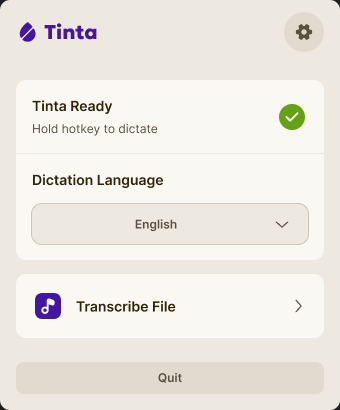
Hold Right Shift, speak, and release. Tinta inserts the result at the active cursor in the app you are already using.
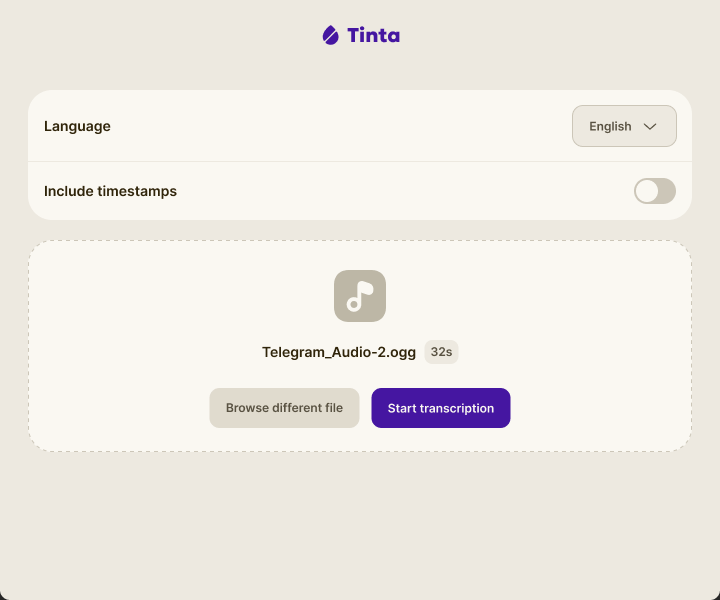
Drop in a local media file, transcribe it on the Mac, optionally include timestamps, then copy or save the result.
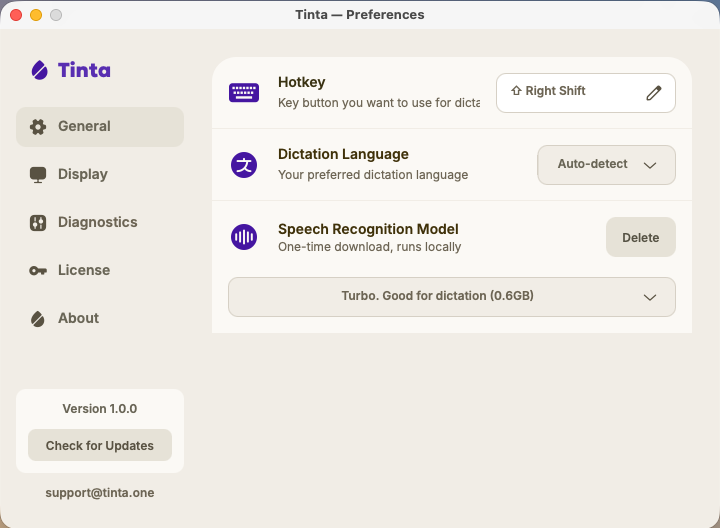
After the speech model is downloaded, dictation and file transcription run locally without sending speech to a cloud transcription service.
Review access is independent: a complimentary license does not require positive coverage. Joining the affiliate program is optional and does not affect editorial access or opinion.
Tinta Voice is a local push-to-talk dictation and file transcription app for Apple Silicon Macs, sold as a one-time purchase.
Tinta Voice is a push-to-talk dictation and audio/video file transcription app for Apple Silicon Macs. Hold Right Shift, speak, and release to place text at the active cursor, or transcribe local media files with optional timestamps. Speech recognition runs on the Mac. The full app has a three-day trial without an account or card and is sold as a one-time purchase.
Open an image for the original file, or download the complete ZIP above. These assets may be used in editorial coverage of Tinta Voice.